
One workspace for
files, forms &
e-signatures.
Define your file structure, capture intake with forms, and close deals with legally-binding signatures — without switching tools.
No credit card required · Get started free · Cancel anytime
How it connects
One flow.
No gaps.
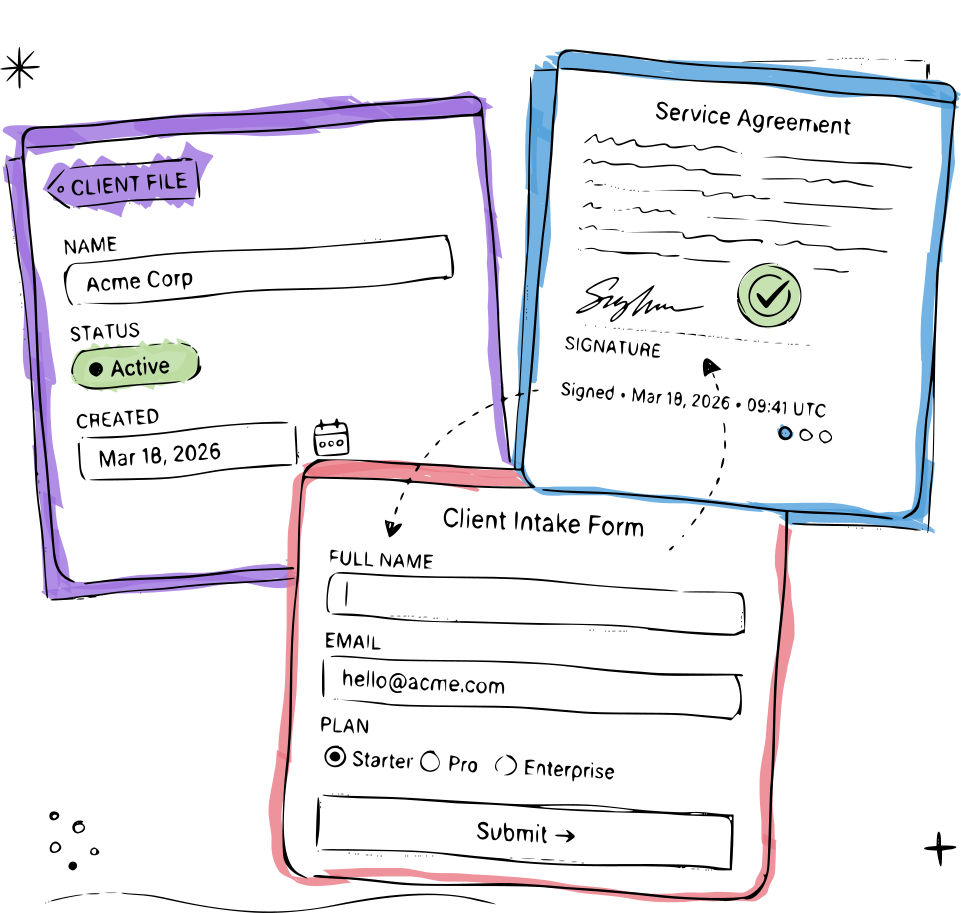
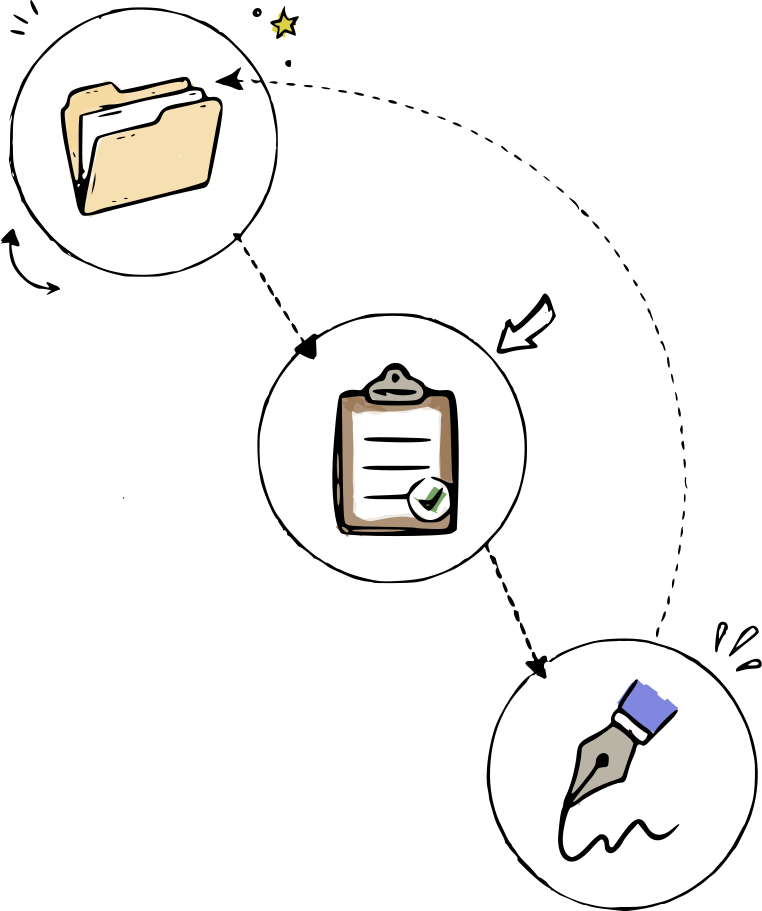
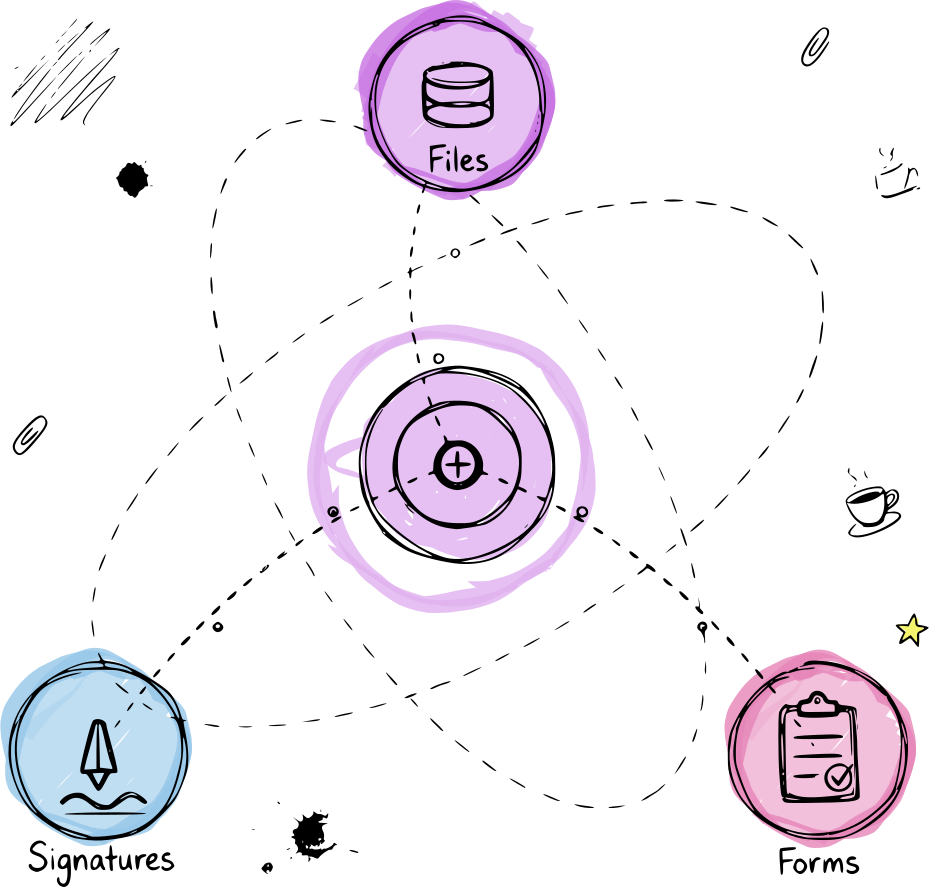
ReFiles connects three things you already do — organizing records, collecting information, and getting signatures — into a single workflow. Define a file type once, attach a form to it, and send documents for signature. Every step feeds the next, and everything lands back in the right file automatically.
- Structured files — custom schemas keep every record organised from day one.
- Attached forms — submissions auto-populate the right fields, no copy-paste.
- Built-in signatures — signed copies return to the file automatically, no chasing.
The difference
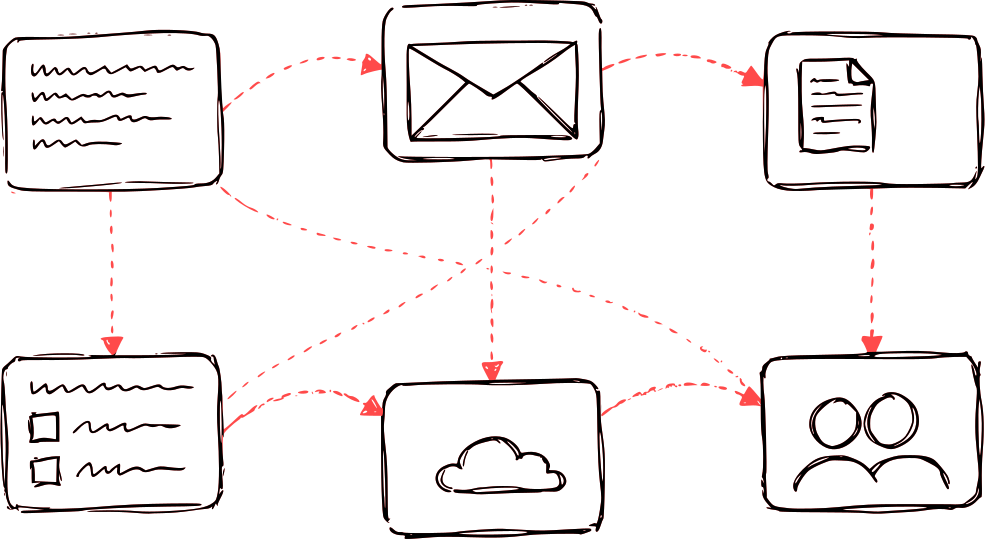
Stop stitching tools together.
The workspace
Everything in one place.
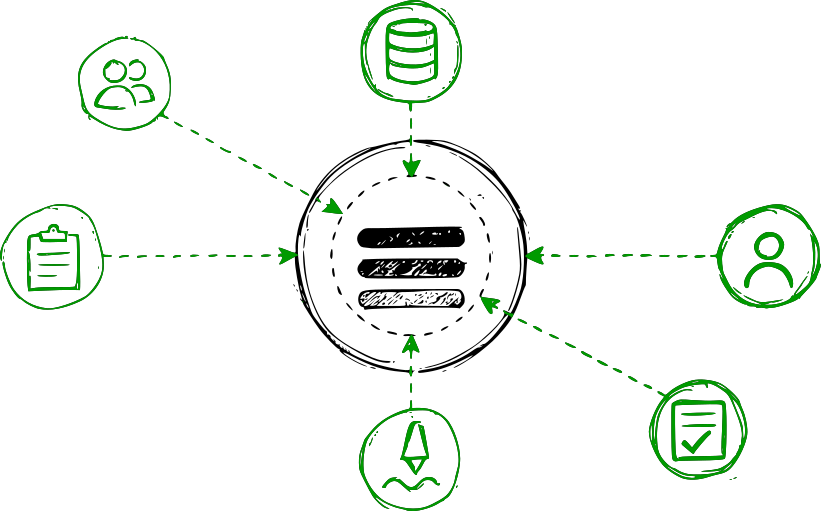
A ReFiles workspace keeps your files, the forms attached to them, and their signature status all visible in a single view — no tabs, no switching apps, no guessing what happened.
Structured sidebar
Browse all your recent files and records from one persistent panel.
Form submissions inline
Associate form submissions directly within the file — no copy-paste.
Signature status at a glance
Know instantly whether a document is pending, signed, or overdue.
Pricing
Simple pricing.
No surprises.
FAQ
Questions,
answered.
Everything you need to know about ReFiles. Can't find what you're looking for?
Talk to usFiles are records you define with custom fields—like a deal or a project. Forms are fillable templates you can attach to files to collect data; submissions become part of the file. E-signatures let you send any document or form for signing via a link; signed copies are stored back in the file. All three work together in one platform.
Setup typically takes just a few minutes. When you first sign in, our interactive onboarding guide will walk you through the steps—from defining your first file type to publishing a form and configuring your first signature template. You’ll see how everything works hands-on, and you can expand to more advanced workflows at your own pace without disrupting existing operations.
Yes. Many teams start with one process first, then expand. You can move active workflows over in phases while keeping legacy tools running until each process is stable.
Yes. Send a public signing link to anyone. You can also embed a form into your website. People can open the link or embedded form in their browser, fill in fields, sign, and the completed document is stored in your file—all without creating an account.
Yes. Use role-based permissions to define who can view, edit, approve, and manage records or templates across teams.
ReFiles protects your data with end-to-end encryption (in transit and at rest), and every action is tracked with a full audit trail. Teams are secured by an extensive, role-based access system for granular permissions. We support secure, passwordless sign-in with Google, Microsoft, or magic email links—so passwords never need to be managed or stored. Automated backups run regularly to ensure disaster recovery and business continuity.
Start with files, forms, and e-signatures—free
Get started free. No credit card required. Get started in under 2 minutes—cancel anytime.